Here's the challenge: pricing for school health EMR software isn't standardized. Costs vary widely depending on district size, the number of nurses and schools involved, how deep the feature set goes, and whether parent-communication tools are part of the package.
This article breaks down typical cost components, the factors that push pricing up or down, and how administrators can budget accurately, without getting blindsided by hidden fees later.
Key Takeaways
- School EMR pricing depends on your unit of measure: per-student, per-nurse, or per-school
- Costs rise with more schools, deeper integrations, and parent app access
- Single-campus setups cost less; multi-school districts pay more for scale, integrations, and shared workflows
- Nurse-centered, connected platforms often beat "cheap" generic EHRs on long-term value
How Much Does School EMR Software Cost? (Pricing Overview)
School health EMR pricing isn't a fixed number you can look up and compare like a streaming subscription. It depends on district size, feature scope, and how the platform is deployed.
One publicly documented starting point comes from vendor SchoolDoc, which lists plans starting at $425 per month, with onboarding, training, and support included (final pricing still depends on account size and complexity) (SchoolDoc pricing page).
That's a useful anchor, not a universal benchmark. Most vendors, including MyCabinet School Health, offer pricing on request because a single-school setup and a 40-school district have completely different needs.
What often goes wrong when districts misjudge cost:
- Underbudgeting for multi-school rollout and per-nurse licensing
- Choosing a generic clinical EHR that wasn't built for school workflows
- Getting hit with unexpected costs for parent communication modules, form digitization, or migrating decades of paper records
Those gaps are why it helps to budget against a simple tier model rather than a single sticker price.
Typical Cost Range
Pricing generally falls into three tiers:
- Entry-level / single-school: Lower monthly per-nurse or per-school fee for basic charting
- Mid-range / multi-school district: Moderate per-student or per-school pricing with medication management and reporting
- District-wide / advanced: Higher annual licensing with parent app access, controlled communication, and district-level analytics

These ranges typically cover core documentation and licensing. They often exclude training, data migration, and premium support—the line items districts most often miss until the invoice arrives.
Entry-Level Setup
Expect basic health-record charting and light reporting. This tier fits a single small school with one nurse and a tight budget.
Mid-Range Setup
Medication tracking, visit documentation, and basic parent notifications usually come standard. Growing districts with multiple campuses use this level to keep nurse workflows consistent.
Advanced/District-Wide Setup
Full nurse workflow tools, a parent app and web portal, digital form collection, and audit trails are typical here. Large districts (for example, Cobb County-scale systems) need this depth for compliance, transparency, and rollout across dozens of schools.
Key Factors That Affect the Cost of School EMR Software
Pricing depends on district size, workflow depth, integration needs, and compliance requirements. These are the variables that most affect total cost.
Number of Schools and Nurses
Per-nurse or per-school licensing scales with growth. A single-campus deployment might run a flat monthly fee, but a district-wide rollout multiplies that cost across every building and every nurse seat. This is where districts most often underbudget: they price out year one and forget that adding three new schools next year adds three new licenses.
Feature Depth and Workflow Complexity
A system that only stores documentation costs less than one that actively manages nurse workflow — and the gap shows up in daily operations. The National Association of School Nurses points out that an effective school-nursing EHR supports efficient workflow, error prevention, and fast information retrieval — not just record-keeping (NASN position statement).
Platforms with intelligent task lists for visits, medication rechecks, and screenings cost more upfront, but they cut the manual follow-ups that consume a nurse's day.

Parent Communication and Engagement Tools
Adding a parent mobile app and web portal costs more than sticking with one-way paper or email updates. Controlled, one-way notifications for medication expirations and clinic visits reduce phone tag without opening unmanaged two-way messaging.
Compliance and Data Security Requirements
Records maintained by a school (or its agent) are generally treated as FERPA education records, not HIPAA records, according to joint federal guidance (HHS/Department of Education). Still, many vendors pursue HIPAA-adjacent security practices, and SOC 2 Type 2 certification signals independently audited security controls. That assurance often carries a price premium — ask vendors for their SOC 2 report and security addendum rather than assuming coverage.
Implementation, Training, and Data Migration
Migrating paper records or spreadsheets into a digital system takes time and money. So does training nurses and front-office staff on new workflows. These are one-time costs, but they're rarely trivial, especially for districts converting years of paper files.
Integrations with District Systems
Connecting your EMR to a student information system (SIS) or broader district IT infrastructure adds setup cost and, sometimes, ongoing interface maintenance fees. Ask vendors to itemize this separately.
Cost Breakdown of School EMR Software
The advertised subscription price is rarely the full story. Total cost of ownership includes several distinct line items:
| Cost Component | One-Time or Recurring | Description |
|---|---|---|
| Initial setup and onboarding | One-time | Account configuration, initial data entry, admin setup across schools |
| Data migration | One-time | Converting paper/spreadsheet records into the new system |
| Staff training | One-time (with refreshers) | Onboarding nurses and staff on workflows |
| Subscription/licensing fees | Recurring | Per-nurse, per-school, or per-student platform access |
| Parent app/portal access | Recurring or bundled | Enabling parent-facing features |
| Ongoing support and updates | Recurring | Technical support, compliance updates, feature upgrades |

CoSN's total cost of ownership framework for education technology breaks costs into hardware and software, infrastructure, support, training, and indirect staff labor. That last category, staff time spent troubleshooting or managing disruptions, gets overlooked constantly, but it's real money.
Low-Cost vs High-Cost School EMR Software — What's the Difference?
Budget generic EHRs and purpose-built school health platforms aren't just priced differently. They function differently.
| Factor | Lower-Cost Option | Higher-Cost Option |
|---|---|---|
| Workflow fit | Generic clinical EHR repurposed for schools; documentation-only | Nurse-centered design with task lists for visits, meds, and screenings |
| Parent visibility | Limited or no communication tools | Parent app and web portal for real-time care visibility |
| Compliance and security | Basic compliance; may lack FERPA-specific design | SOC 2 certified; HIPAA and FERPA compliant with role-based access |
| Administrative burden | Manual follow-up; spreadsheets and faxes | Less paper, fax, and manual email chasing |
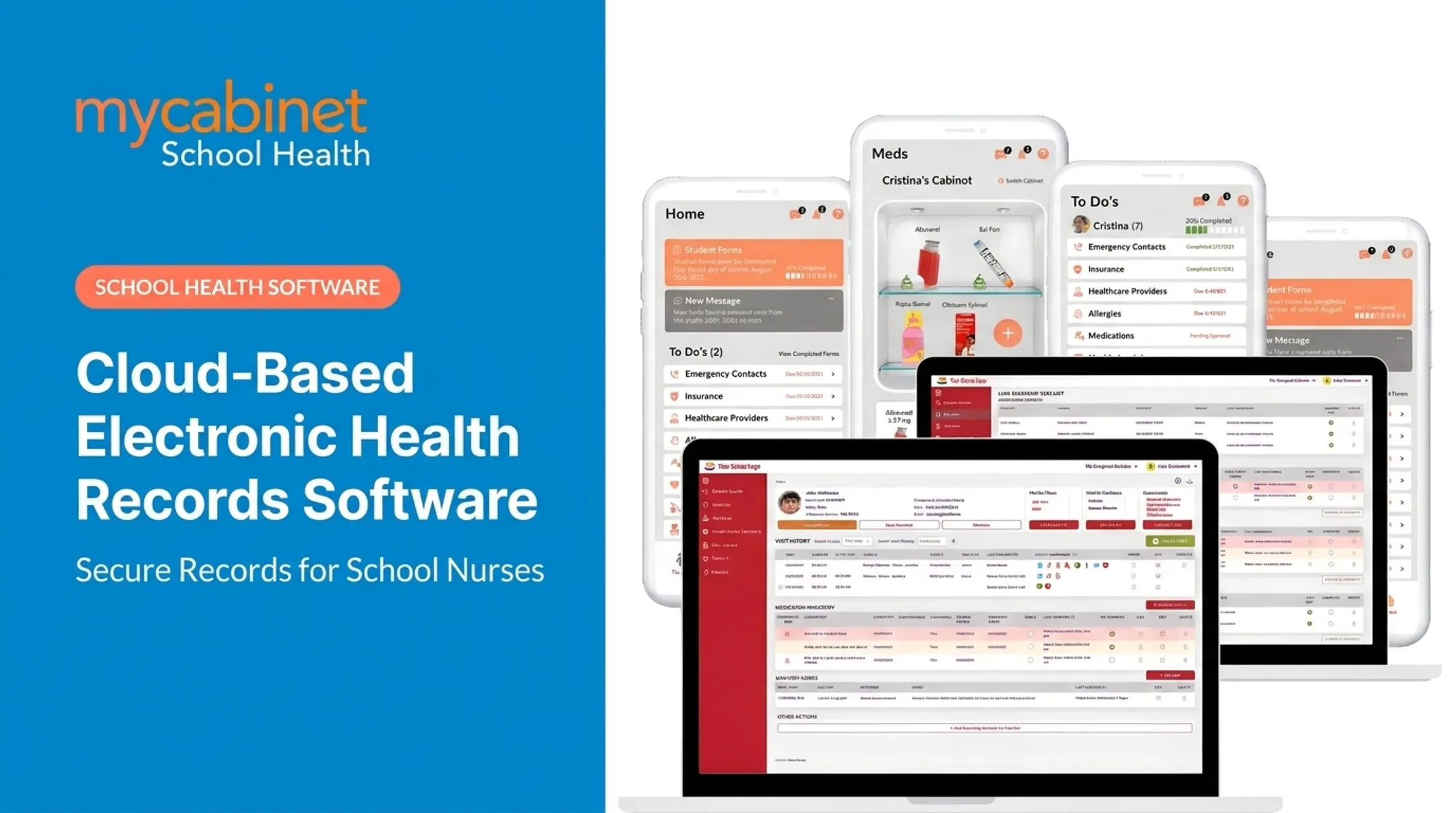
MyCabinet School Health was built around school nurse workflows, not adapted from general clinical software. The connected Nurse Portal, Parent App, and Parent Web Portal keep medication expiration alerts, clinic visit notifications, and health form uploads in one place instead of five disconnected tools.

How to Estimate the Right Budget for School EMR Software
The right fit matters more than the lowest sticker price. Before requesting quotes, districts should nail down:
- Scale — Schools, nurses, and students the system must support
- Priority features — Must-haves such as parent communication and engagement tools
- Compliance needs — FERPA requirements and HIPAA-aligned practices for student health data
- Existing infrastructure — District IT support and systems already in place
- Long-term costs — Training, support, and scaling expenses as the district grows
Skipping any of these factors is how districts end up with a quote that looks affordable in year one and painful by year three.
What Districts Often Miss When Budgeting for School EMR Costs
Even careful budgeters run into the same blind spots:
- Sticker-price tunnel vision: Counting only the monthly or per-student fee and leaving out training and migration
- Time savings left off the ledger: Administrative automation that eases long-term staffing strain rarely shows up in the license line item
- Missing parent tools: Systems without parent-facing features push follow-up back onto email and paper
- Adapted, not purpose-built: General clinical platforms miss school-nurse workflows and create workarounds that cost more later
Frequently Asked Questions
How much does it cost to implement an EHR?
Implementation costs cover setup, training, and data migration, and vary significantly by district size and scope. School-specific EHRs often have a narrower, more predictable scope than general medical EHR implementations.
Is there a free EMR system?
Free or open-source EMRs exist, but they typically lack school-specific workflows, dedicated support, and built-in compliance features. Districts usually end up paying later for support, custom workflows, or compliance workarounds.
What is the average cost of school health software per student or per nurse?
Pricing models vary; some vendors charge per nurse, others per school or per student, and costs depend heavily on feature depth. There's no single industry-standard rate, so always request a scope-specific quote.
Do school EMR systems include parent communication features by default?
Many basic systems don't include parent-facing tools at all. MyCabinet School Health includes a Parent App and Parent Web Portal in the core platform.
How long does it take to implement a school health EMR system?
Timelines vary based on district size, number of schools, and how much data needs migrating. Vendors typically outline a phased rollout plan during the sales process.
What hidden costs should school districts watch for?
Common extras outside the base subscription include:
- Data migration fees
- Staff training time
- Add-on modules such as parent communication or advanced reporting
Conclusion
School EMR software costs vary based on district size, feature depth, and compliance needs. There's no one-size-fits-all number.
Understanding each cost component—licensing, migration, training, support, and parent-facing tools—leads to smarter, more accurate budgeting from the start.
The right investment balances affordability with nurse efficiency, compliance, and family engagement. MyCabinet School Health is a purpose-built, connected platform designed to strike that balance.